6.7 Branches of Windows
✅ C:/ProgramFiles, c:/ProgramFiles x86
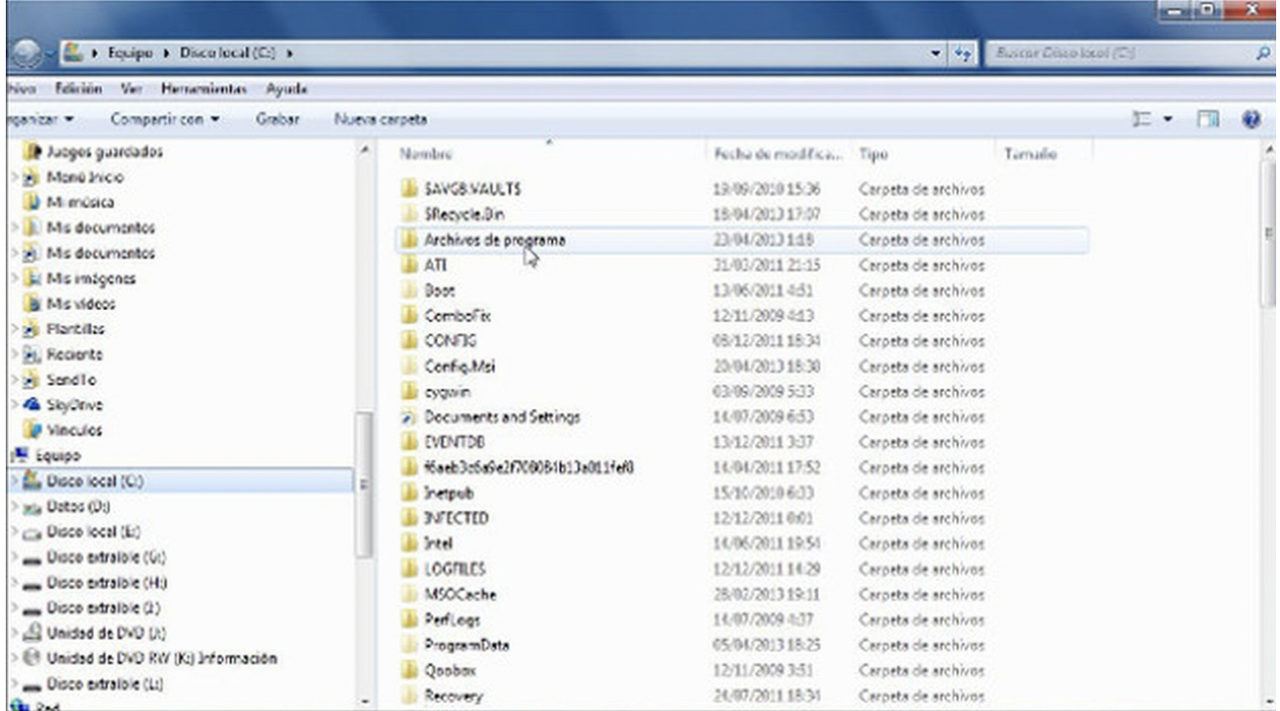
- for storing applications
- if lower than 4GB,
x86 - ⚠️ you cannot delete the files manually ❌
- you need to use
CCleaner tool: piriform.com/ccleaner
✅ C:/Windows/System32
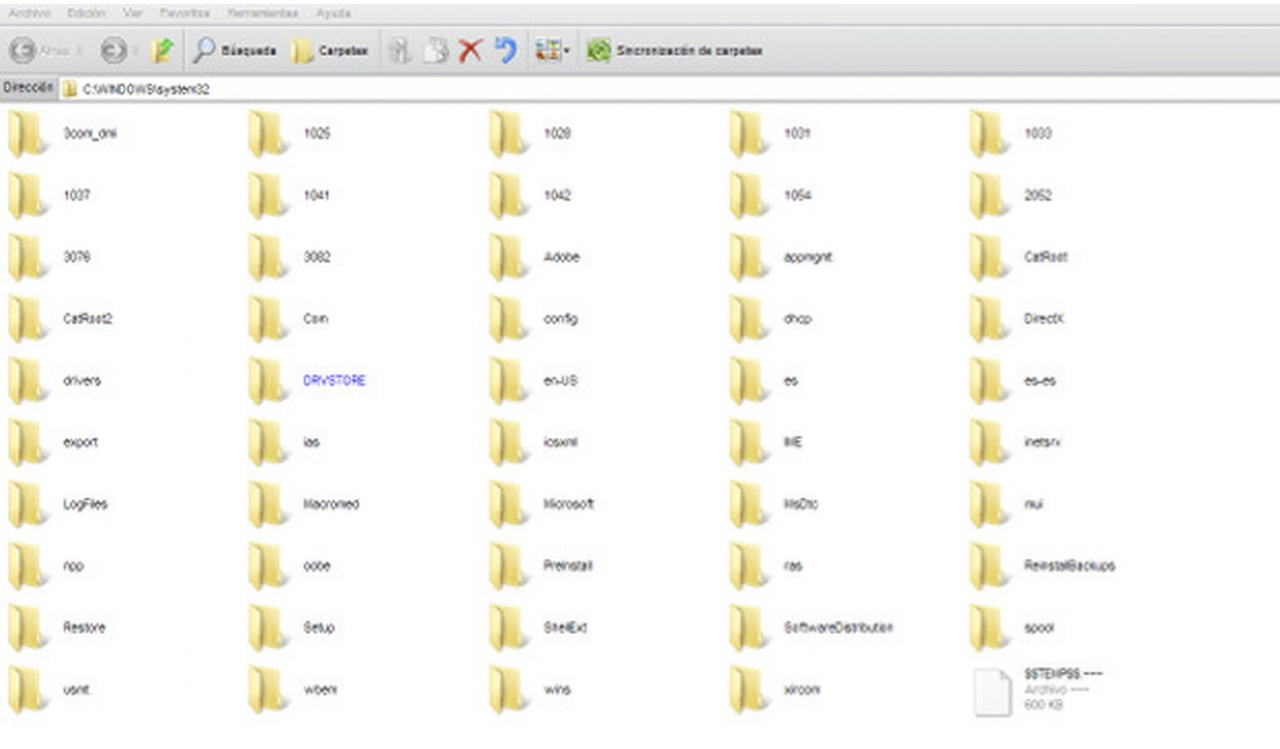
- ⚠️
/System32is forbidden to delete anything manually ❌ - many things are hidden
- full of libraries,
dllfiles - essential file for linking applications and libraries
dll files: for setting the system- 👌🏻 the only thing that you can delete in
C:/Windows/System32 - are the
driver files, the.sysfiles
✅ C:/Pagefile.sys
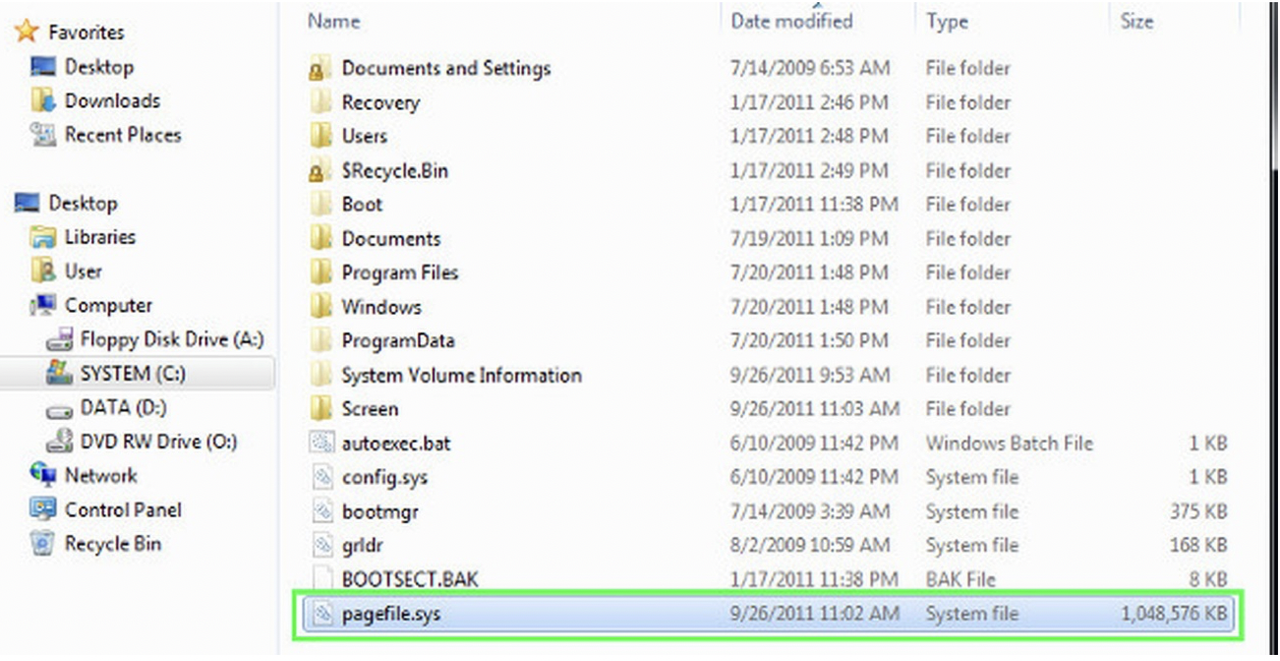
- hidden file
- same as SWAP, in Windows
helper for the RAM in Windows
- however, in Windows, SWAP is not a partition ❌
- in Windows, SWAP is a file that grows dynamically ⭕️
SWAP is a dynamic file
- 👎🏻 Problem of making it dynamic
- 1️⃣ so slow
- so using the SWAP in Windows slows the system
- 2️⃣ dynamic means, when you need it, maybe you do not have it
- bc its dynamic, not all space is reserved for it
- 👉🏻 SWAP in Windows is not very well managed
1
2
3
4
5
6
error 0x0000 Memmory could not be read

- error we can see in Windows
- when we want to use the SWAP
- but you cannot
- bc you do not have space
- ✔️ How to see the hidden file
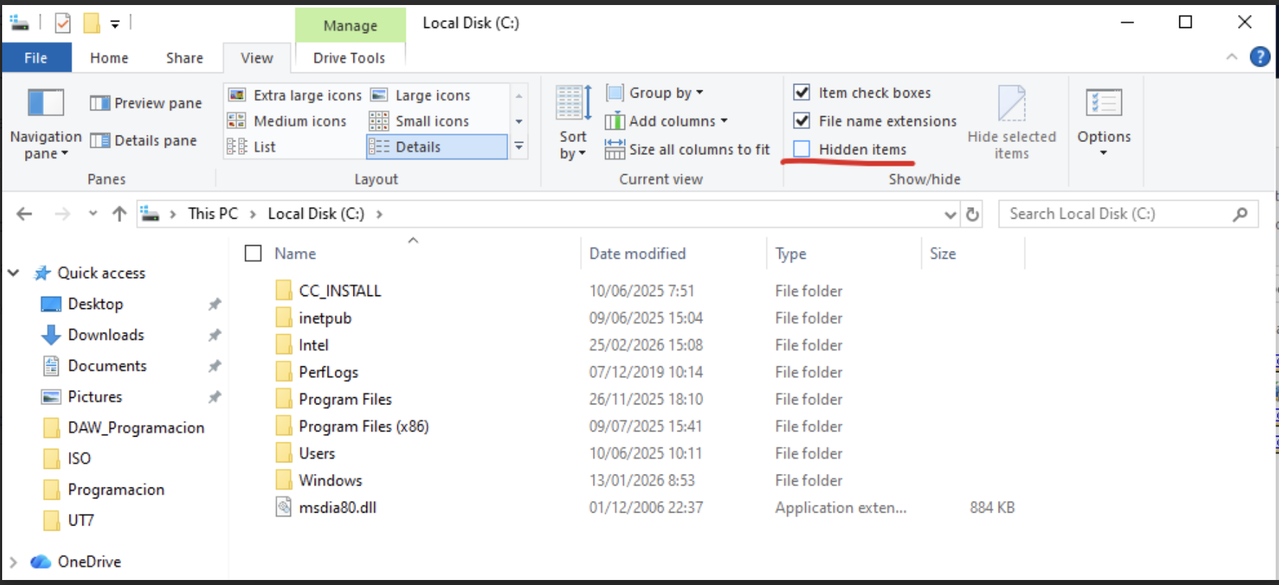
- click on
vista > hidden items - but, even with this,
- not even the administrator can see it
- it is protected
- in order to see it, you have to modify settings in the
system 32 folder
✅ C:/System Volume Information
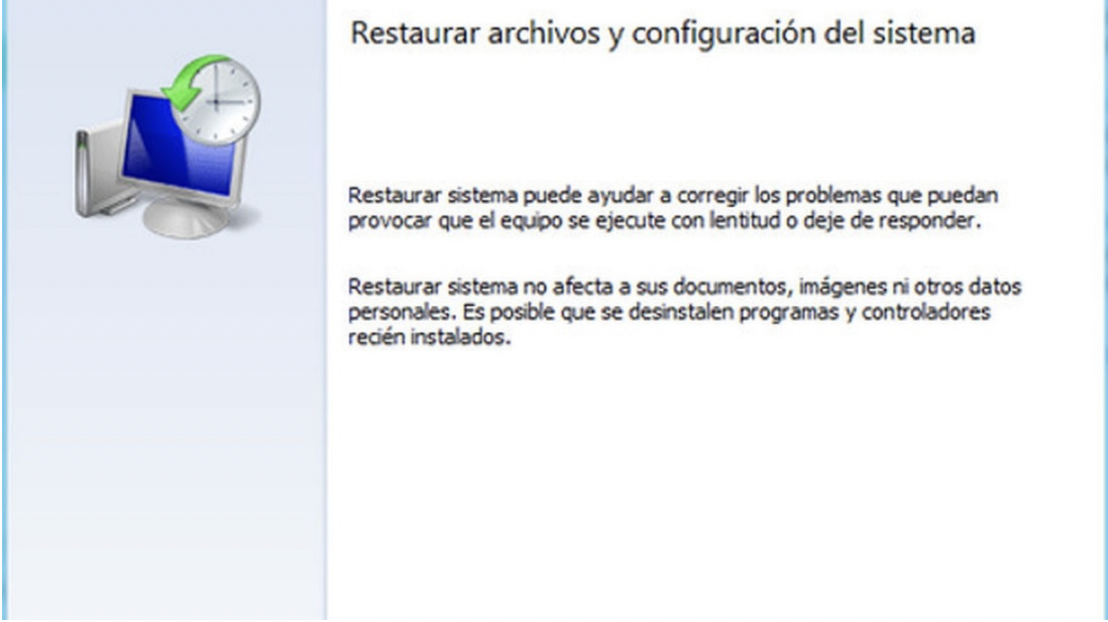
- folder with all the recovery points
- of the RM windows are stored
- but you do not see, it is protected like
C:/Pagefile.sys not even the administrator will be able to see it
- you cannot delete recovery points manually
- you need an external tool
called
Microsoft PsExec.exe- if there is a
recovery partitionin Windows - (which is optional)
- when you install Windows in next mode, you will have the recovery partition
- the folder
C:/System Volume Information - is an alternative
- in case the partition for recovery point does not exist
✅ C:/Windows/WinSxS
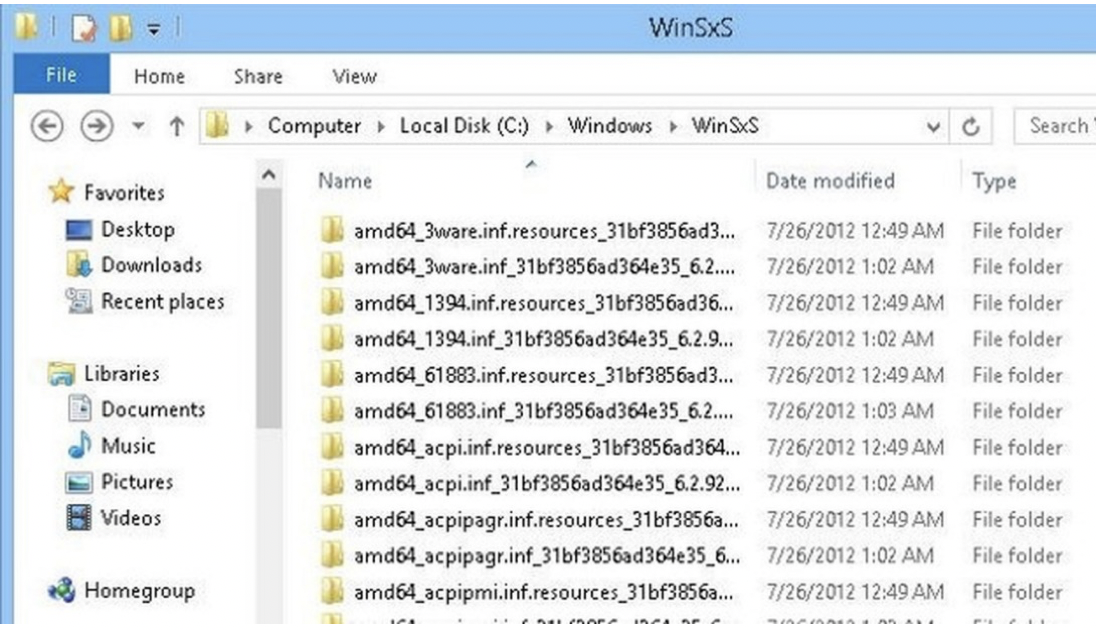
- should also not be modified
- ⚠️ should not deleting anything from this folder ❌
- contains
dll files, libraries from previous versions - even if the libraries are old, they are linked with the new libraries
- do not delete!
- if you need to clean this folder, use
CCleaner tool
✅ C:/Users//VirtualBox VMs & .VirtualBox
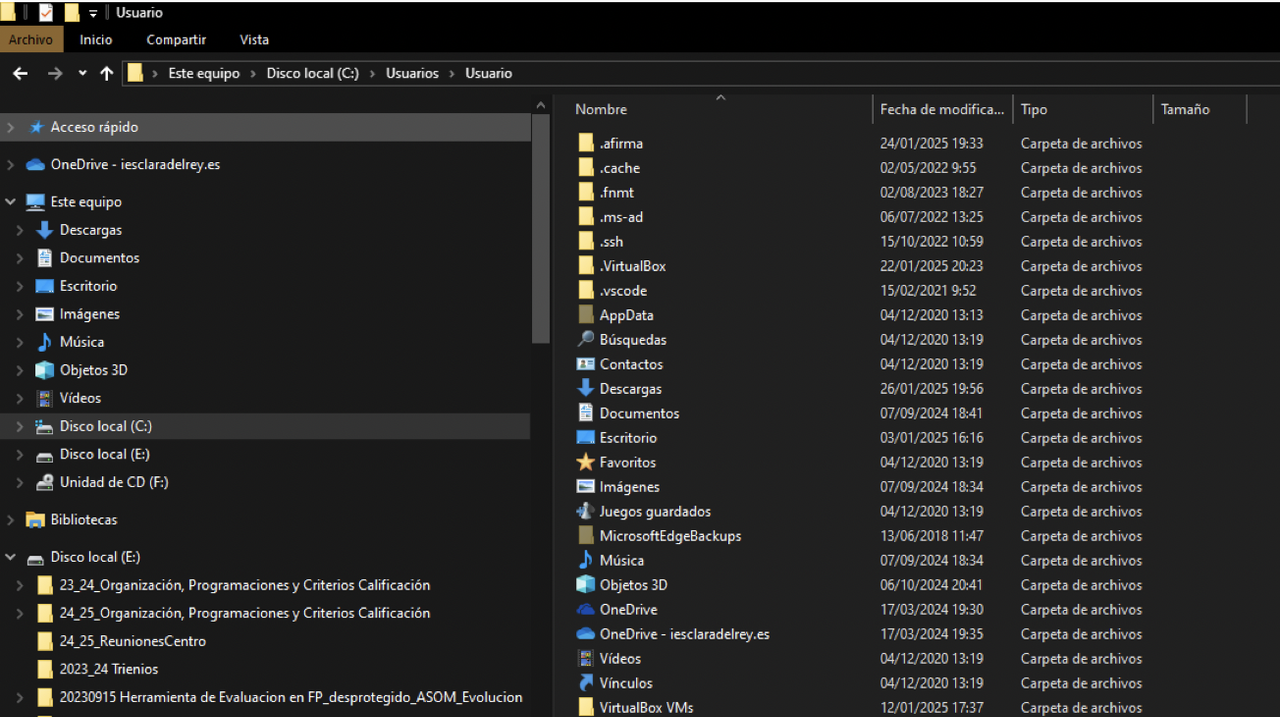
- VirtualBox VMs: the vdi, virtualBox
- .VirtualBox: traces
✅ C:/Users/
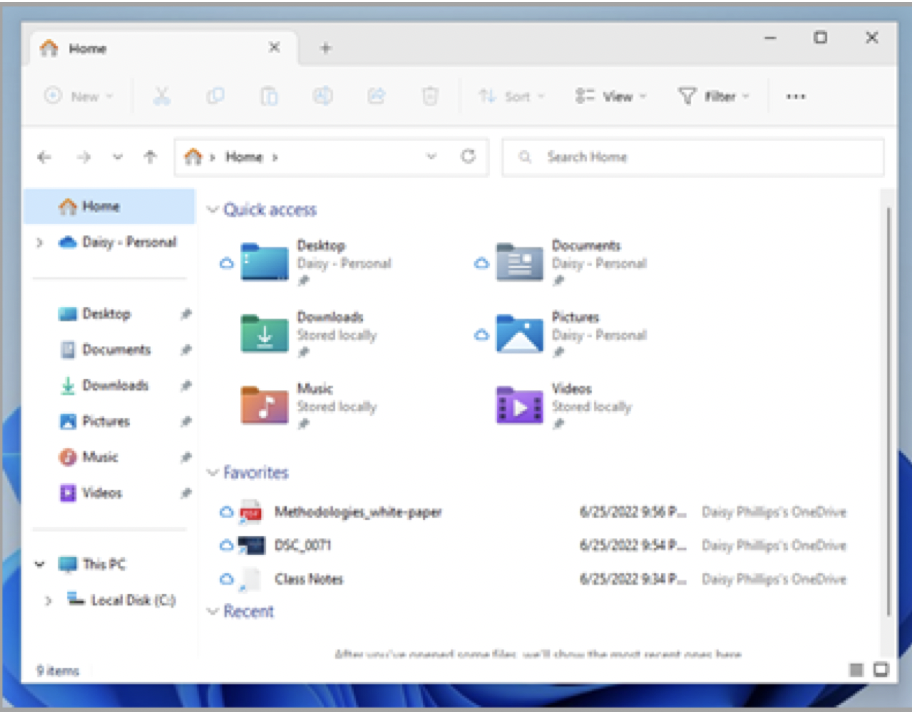
- set of folders
- files inside your profiles will not be available for other profiles
files inside
C:/Users/<user>is only for your profile- if you want to share with another user,
- 1️⃣ you can use
C:/Users - but you will need administration permissions
- 2️⃣ or create a
shared resource - which is related to networks, a network folder for sharing
✔️ NTUSER.DAT
- In
C:/Users/<user>, there is a file calledNTUSER.DAT - it is a hidden, protected file
- if you enter the file, you can get confidential information about the user
💡 In Win11…
- In
Win10, downloads, documents, videos…are insideeste equipo⭕️ - 👉🏻 This was considered a security issue
- In
Win11, downloads, documents, videos…are not insideeste equipo❌ 👉🏻 This is an improvement in
Win11- If you want to backup personal information of the user
- you should copy the following folders:
- downloads
- documents
- desktop
- favorites
- pictures
- games
- videos
- contacts
✅ Other folders
- cascade structure of Windows
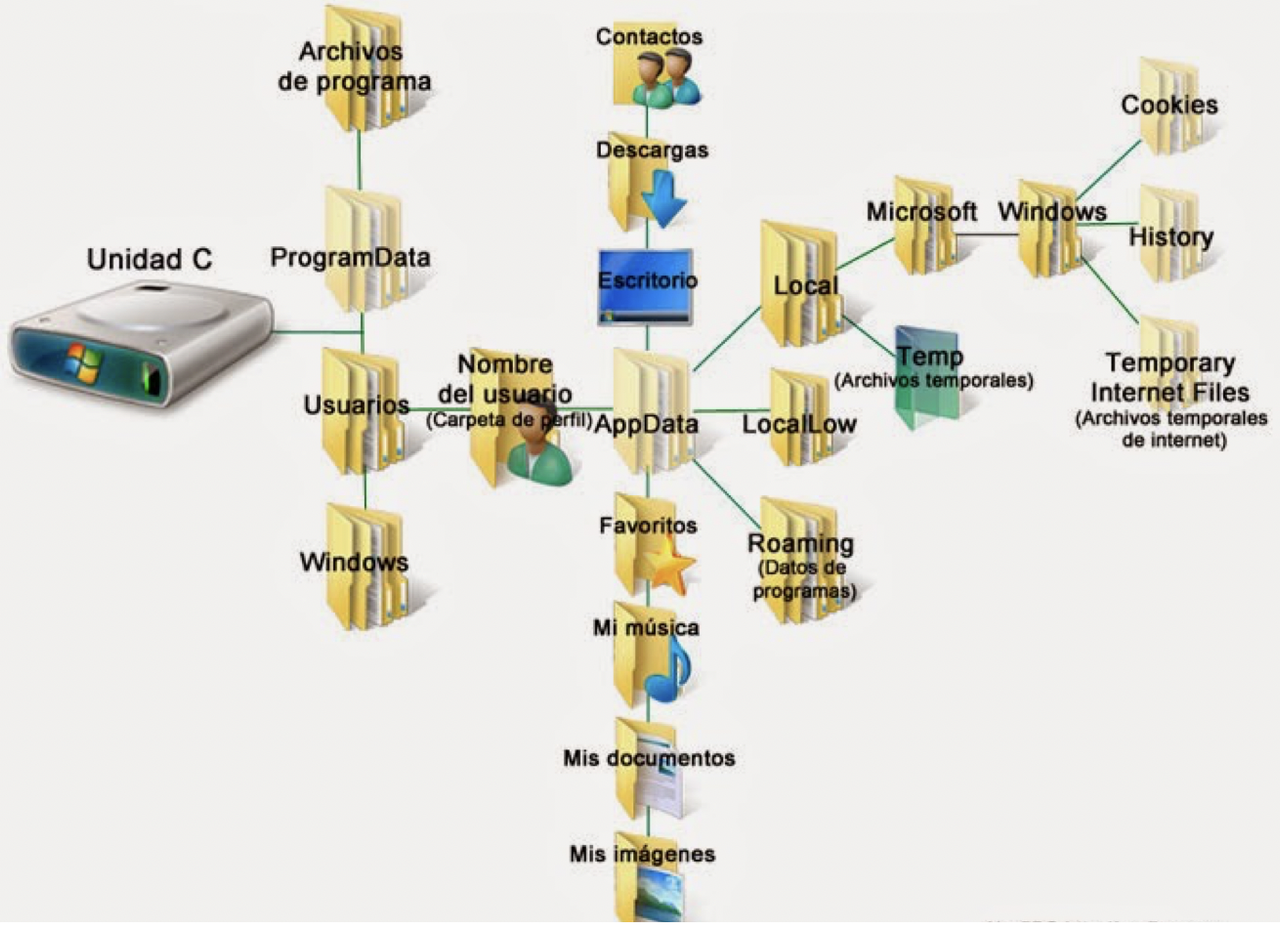
✔️ Temporary files
C:\Users\<user>\AppData\Local\Tempeach user has its own temporary file
- 🛠️ When you unzip a document, the portion of the file is stored in
Temporary files - before going to the place you indicate
- 🛠️ Unfinished downloads
downloads that are not completed are kept in
Temporary files- Variable
%TEMP% - if we modify the variable
%TEMP% - we can hide the temporary files
✔️ Internet Temporary Files
C:\Users\<user>\AppData\Local\Microsoft\Windows\InternetTemporaryFiles- 🛠️ portion of the webpage (like image, document) that you have tried to download several times
- it will be saved in
Internet Temporary Files so you can access them more easily
- no variable related
- can be deleted ⭕️ cannot be hidden ❌ cannot be unallocated ❌
- you have to delete them manually
✔️ History
C:\Users\<user>\AppData\Local\Microsoft\Windows\History- not navigation history ❌
- documents/information in general that you search/open very often in your windows
- instead of being saved in
Temporary files - they are saved in
history for easier access afterwards
- no variable related
- needs to be deleted manually
✔️ Cookies
C:\Users\<user>\AppData\Local\Microsoft\Windows\Cookies- navigation preferences
- text file
copies of all the cookies from all browsers
- no variable related
needs to be deleted manually
- apart from cookies folder in windows,
each browser keeps its own cookie folder
- so if you want to delete cookies you have to delete them from two places
- 1️⃣ you have to delete cookies from
\Windows\Cookies - 2️⃣ and also broswer cookies per browser
✔️ Web cache
- navigation history
- every browser has its own web cache path
one web cache per browser per user
- no variable related
- needs to be deleted manually
1
2
3
3 users in my system, two browsers

- we have a total of 6 web caches
This post is licensed under CC BY 4.0 by the author.